


Connect Hermes Agent to Google Forms
Connect Hermes Agent to Google Forms: 1. Connect Google Forms in ApexGenius. 2. Add the ApexGenius MCP server. 3. Start using Google Forms in Hermes Agent.
1,000 free credits · No card required
How to connect Google Forms to Hermes Agent
- 1Sign in to ApexGenius and connect Google Forms
- 2Add the ApexGenius MCP server to Hermes Agent
- 3Start using Google Forms in Hermes Agent
- 1
Connect Google Forms to ApexGenius
Open Google Forms in ApexGenius
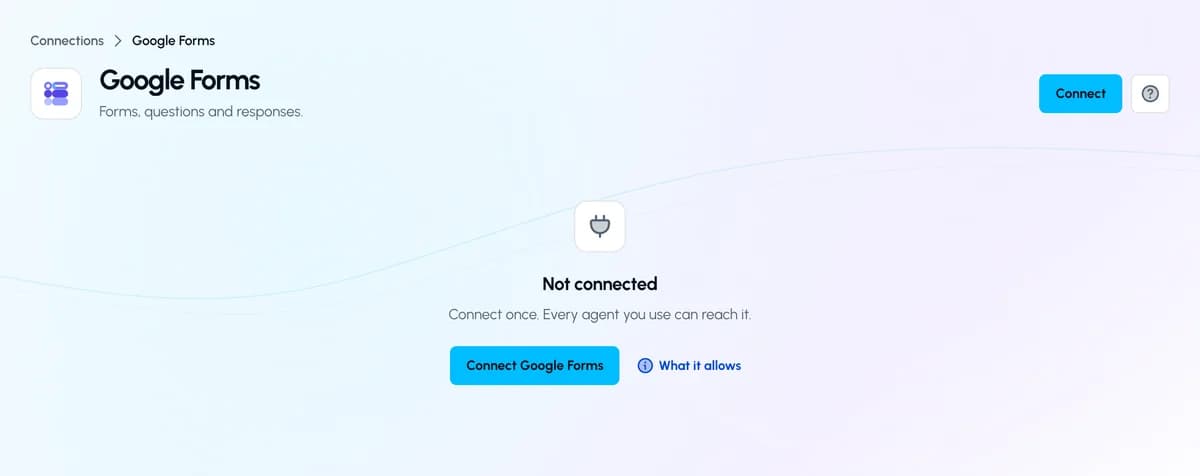
Open Google Forms in Connections and choose Connect.
- 2
Connect ApexGenius to Hermes Agent
Copy the MCP address
On Start, pick API key, open Manual setup, and copy the MCP address.
- 3
Approve access
ApexGenius opens its approval page. Review the access, then approve.
Add the ApexGenius MCP server to Hermes Agent
Hermes Agent reads MCP servers from ~/.hermes/config.yaml, under mcp_servers.
- Add the apexgenius entry under
mcp_serversand save the file. - In a new terminal, run
hermes mcp login apexgenius. Hermes prints an authorize URL and opens your browser when it can. - Sign in to ApexGenius and approve access.
- Start Hermes with
hermes chat, or run/reload-mcpin a session that is already open.
mcp_servers:
  apexgenius:
    url: "https://server.autom8.pro/mcp"
    auth: oauth
Check it. Run hermes mcp test apexgenius. It connects, lists the tools it found and exits 0 when the connection completes.
Steps follow Hermes Agent documentation, MCP (Model Context Protocol) (opens in a new tab), read November 12, 2026.
Then ask Hermes Agent
List my enabled Google Forms. Do not read responses or change a form.
Written setup, step by stepShow
Before you start
- An account with permission to use the Google Forms resources you intend to connect.
1. Connect Google Forms to ApexGenius
- Open Google Forms in Connections. Choose Connect, or Add connection when offered. Give the connection a name if prompted. If Gateway setup pending appears, contact ApexGenius support before continuing.
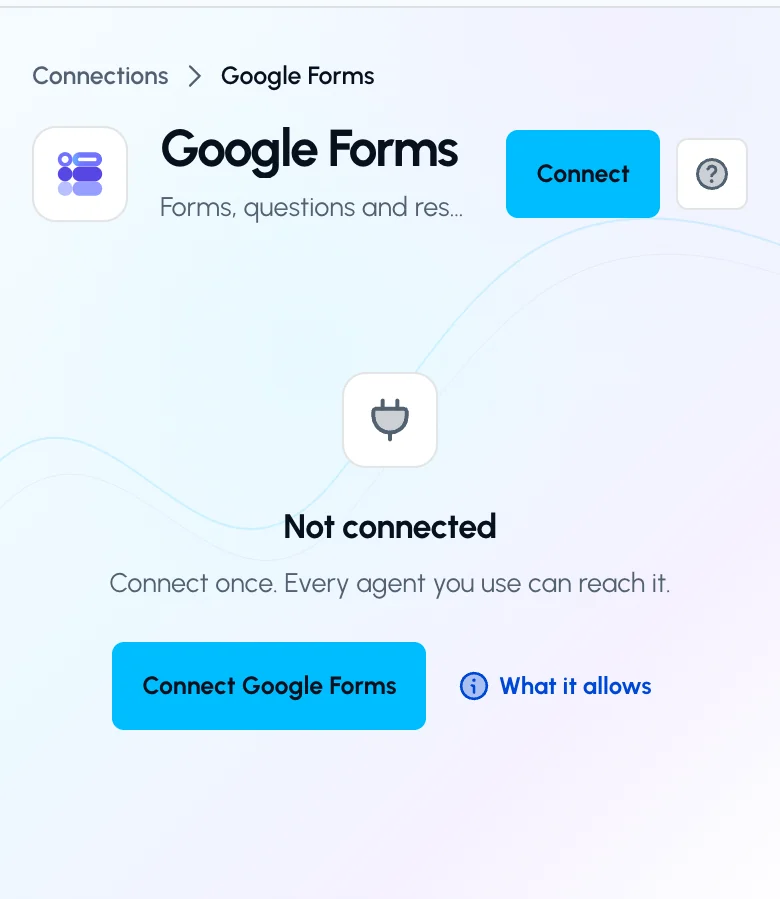
Open Google Forms in Connections and choose Connect to start setup.Open full-size image (opens in a new tab) - Choose the account and review access. Sign in to the Google account that has access to the intended resources. Review the permissions Google requests, then return to ApexGenius.
- Review the connected account and resources. Find Allowed resources on the connection page or its Tools tab. Choose Refresh and enable only the forms you want to use. Resource selection does not add permissions to the Google account.
- Check the connection. Use Test connection or Check again and read the reported status. Add an AI agent from the AI agents page, choose Read only for the first test, and try the question below.
2. Connect ApexGenius to Hermes Agent
Use this server address when adding the connection:
https://server.autom8.pro/mcpThe steps are above, under Add the ApexGenius MCP server to Hermes Agent. These notes apply to Hermes Agent only.
- On a server with no browser. Hermes prints “Or paste the redirect URL here” beside the authorize URL. Open the URL on your own machine, approve, and paste the full URL the browser lands on. That page shows a connection error, which is expected.
- Use a new terminal for the sign-in. Editing
config.yamlinside a running session reloads MCP with a 30 second limit, too short for a browser sign-in.hermes mcp loginwaits five minutes. - Where the sign-in is kept. Hermes caches the tokens at
~/.hermes/mcp-tokens/apexgenius.jsonand reuses them until a refresh fails. Runhermes mcp login apexgeniusagain if that happens. - Tool names. Hermes prefixes each MCP tool with the server name, so the ApexGenius tools carry apexgenius in their names.
- Access. When ApexGenius asks what Hermes Agent may use, choose Read only for the first test, or Custom to limit it to the tools you need.
3. Try your first question
List my enabled Google Forms. Do not read responses or change a form.
List my enabled Google Forms. Do not read responses or change a form.Check that the answer matches what you see in Google Forms.
Full guide: the Google Forms setup guide.
What it looks like in Hermes Agent
apex_search_toolsGoogle Forms · Find the Google Forms read routeCompleteapex_call_read_toolgoogle_forms_list_forms · List enabled formsCompleteThree forms are enabled, a customer survey, an event sign-up and a bug report form.
Read-only routeWhat to ask Hermes Agent about Google Forms
- Check the forms
List my enabled Google Forms. Do not read responses or change a form.
Runs
google_forms_list_forms(read). - Summarize responses
Summarize the responses to the form I name and flag anything unusual.
Runs
google_forms_get_form(read), thengoogle_forms_list_responses(read). - Count the answers
How many people chose each answer to the first question of my survey?
Runs
google_forms_get_form(read), thengoogle_forms_list_responses(read).
These 3 questions use 3 of Google Forms’s 5 operations. The full list is below.
- Create a new form called Event feedback. Show me the draft first. (write)
What Hermes Agent can do in Google Forms
5 operations: 3 read, 2 write. Read looks things up and changes nothing. Writes change Google Forms and run only when you turn them on.
Forms and responses
3 readgoogle_forms_list_formsreadList the Google Forms enabled for you in ApexGenius.
google_forms_get_formreadRead a form’s questions and settings.
google_forms_list_responsesreadRead the responses sent to a form.
Create and change
2 writegoogle_forms_create_formwriteCreate an empty form and add it to your enabled forms.
google_forms_requestwriteCall any Forms API endpoint for an enabled form, including changes to its questions and settings.
You choose the access. When you approve Hermes Agent, pick Full access, Read only, or Custom.
Only the forms you enable can be reached, within the Google account’s own access.
Responses can hold people’s names, emails and answers. Read them only when the task needs them.
Writes run immediately. Blocked hides a tool from agents.
Disconnecting stops future access. It does not undo a change already made to a form.
Questions about connecting Hermes Agent to Google Forms
Updated November 12, 2026.
How do I connect Hermes Agent to Google Forms?
Sign in to ApexGenius and connect Google Forms. In Hermes Agent, add an apexgenius entry with the ApexGenius MCP address and auth: oauth under mcp_servers in ~/.hermes/config.yaml, then run hermes mcp login apexgenius. Then ask Hermes Agent: “List my enabled Google Forms. Do not read responses or change a form.” Start with a read, so nothing changes.
How do I check that Hermes Agent can use Google Forms?
Run hermes mcp test apexgenius. It connects, lists the tools it found and exits 0 when the connection completes. In a session that is already open, /reload-mcp picks up a config change. If the sign-in has expired, run hermes mcp login apexgenius again. Then ask: “List my enabled Google Forms. Do not read responses or change a form.”
Which forms can my AI reach?
Only the forms you enable in ApexGenius. A new form your AI creates is added to that list.
Can my AI read responses?
Yes, for the forms you enable. Responses can hold personal details, so turn that tool off if your AI does not need them.
Can my AI change a form?
It can create forms, and the full API tool can change questions and settings. That tool is marked destructive. Writes run immediately. Blocked hides a tool from agents.
Can I start with read-only access?
Yes. Choose Read only when you add your AI agent, and the create and change tools never reach its tool list.
More connections like this one
Hermes Agent with other apps
 Supabase
 Cal.com
 GitHub
 Stripe
 Linear
 Jira
 HQ Rental
 Google Tasks
All 50 apps Hermes Agent can use
 Google Calendar
 Google Sheets
 Calendly
 ClickUp
 monday.com
 ElevenLabs
 FreshBooks
 Trello
 GitLab
 Outlook Calendar
 Mobbin
 Slack
 Discord
 ChatGPT Ads
 Context.dev
 Attio
 Semrush
 Notion
 Apify
 Google Ads
 Google Analytics
 Google Meet
 Gmail
 Google Chat
 Google Docs
 Google Drive
 Google Slides
 Apollo
 Blotato
 Bing Webmaster
 Atlassian Rovo
 Polymarket
 OP.GG
 YouTube
- YouTube Analytics
 Salesforce
 n8n
 Confluence
 Google Search Console
 TypeSafe
 HubSpot
- Microsoft Outlook
Other agents with Google Forms
 Claude
 Grok Bot
 Muse
Connect Google Forms to Hermes Agent today
Start free1,000 free credits. No card required. Disconnect any time.