


Connect Instinct to Google Chat
Connect Instinct to Google Chat: 1. Sign in to ApexGenius and connect Google Chat. 2. Add your key in Instinct’s MCP settings, where shown. 3. Ask Instinct.
1,000 free credits · No card required
Instinct has no public MCP setup guide, and reports say MCP connections show on some accounts only. ApexGenius has not tested this path end to end yet. Compatibility does not imply partnership.
How to connect Google Chat to Instinct
- 1Sign in to ApexGenius and connect Google Chat
- 2Add your ApexGenius key to Instinct
- 3Start using Google Chat in Instinct
- 1
Connect Google Chat to ApexGenius
Open Google Chat in ApexGenius
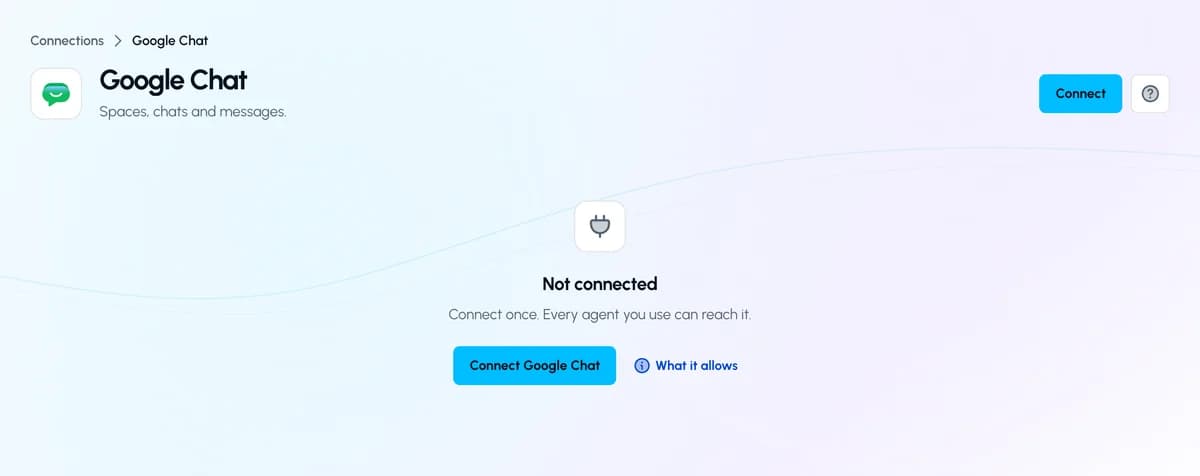
Open Google Chat in Connections and choose Connect.
Add ApexGenius to Instinct
https://server.autom8.pro/mcp
- In ApexGenius, open Your agents and choose Add an agent, then Instinct. Keep Read only and copy the key. It shows once.
- In your Instinct settings, open MCP connections. Some accounts do not show them yet. Add a connection named ApexGenius with the MCP URL above and the header Authorization: Bearer followed by your key.
- Text Instinct and ask which apps are connected. Keep the key in that settings field. Never send it in a message.
Then ask Instinct
List up to five Google Chat spaces I can access. Do not read or send messages.
Written setup, step by stepShow
Before you start
- An account with permission to use the Google Chat resources you intend to connect.
1. Connect Google Chat to ApexGenius
- Open Google Chat in Connections. Choose Connect, or Add connection when offered. Give the connection a name if prompted. If Gateway setup pending appears, contact ApexGenius support before continuing.
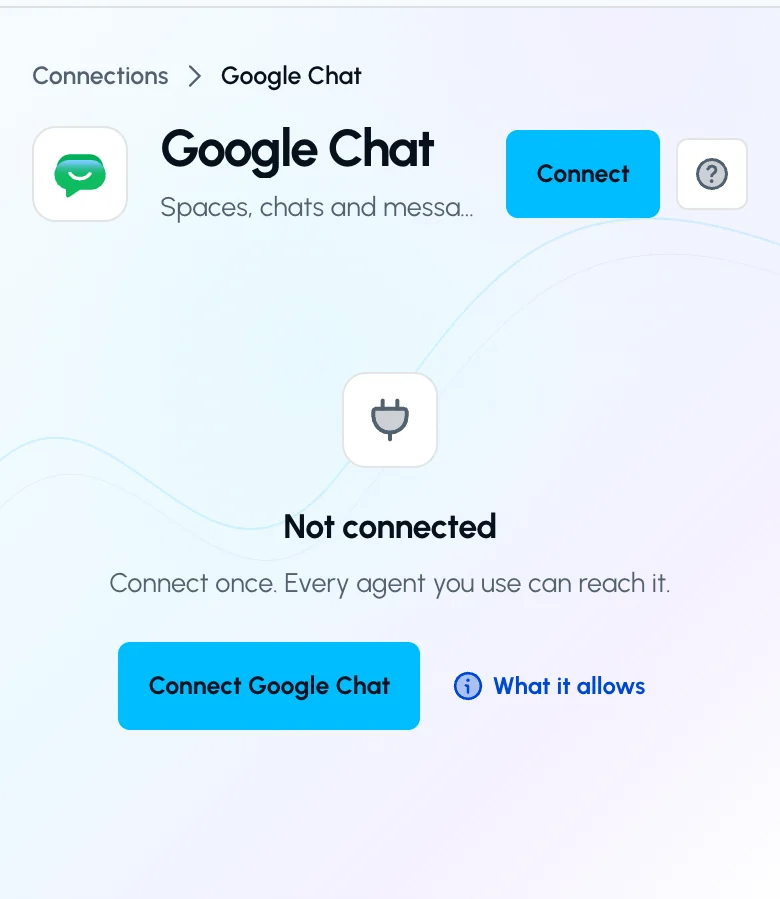
Open Google Chat in Connections and choose Connect to start setup.Open full-size image (opens in a new tab) - Choose the account and review access. Sign in to the Google account that has access to the intended resources. Review the permissions Google requests, then return to ApexGenius.
- Review the connected account and resources. Find Allowed resources on the connection page or its Tools tab. Choose Refresh and enable only the connected Chat account. Resource selection does not add permissions to the Google account.
- Check the connection. Use Test connection or Check again and read the reported status. Add an AI agent from the AI agents page, choose Read only for the first test, and try the question below.
2. Connect ApexGenius to Instinct
Use this server address when adding the connection:
https://server.autom8.pro/mcp- In ApexGenius, open Your agents and choose Add an agent, then Instinct. Keep Read only and copy the key. It shows once.
- In your Instinct settings, open MCP connections. Some accounts do not show them yet. Add a connection named ApexGenius with the MCP URL above and the header Authorization: Bearer followed by your key.
- Text Instinct and ask which apps are connected. Keep the key in that settings field. Never send it in a message.
3. Verify one safe read
List up to five Google Chat spaces I can access. Do not read or send messages.
List up to five Google Chat spaces I can access. Do not read or send messages.Compare the returned account and resource with Google Chat. Check the connection status separately from the result of the first read.
Full guide: the Google Chat setup guide.
What it looks like in Instinct
Illustration of a task, not a recorded customer result. Your answers come from the account and dates you choose.
apex_search_toolsGoogle Chat spaces · Find Google Chat toolsCompleteapex_call_write_toolsearch_conversations · List spacesCompleteIllustrative example: five spaces, including the project team, sales and two direct messages. Nothing was sent or changed.
Read-only routeTry asking
What did my team say in the project space today?
Find messages that mention me and are still unread.
List up to five Google Chat spaces I can access. Do not read or send messages.
Catch me up on the launch space and list who is waiting on me.
What Instinct can do in Google Chat
4 operations: 3 read, 1 write. Read looks things up and changes nothing. Writes change Google Chat and run only when you turn them on.
Find and read
3 readsearch_conversationsreadFind spaces, group chats and direct messages by name or by the people in them.
search_messagesreadSearch messages across your chats by words, sender, mentions or unread.
list_messagesreadRead the messages in one space, chat or thread, in order.
Send
1 writesend_messagewriteSend a message to a space, chat or thread, with up to 10 mentions.
You choose the access. When you add Instinct in Your agents, pick Full access, Read only, or Custom. It starts on Read only.
The connected Google account decides which spaces and messages can be read. Messages only one person can see are left out.
A sent message reaches people right away. ApexGenius cannot unsend it.
Writes wait for your approval until you set a tool to Always allow. Blocked hides a tool from agents.
Disconnecting stops future access. It does not remove a message already sent.
Questions about connecting Instinct to Google Chat
Updated November 4, 2026.
Can Instinct reach Google Chat on its own?
Instinct’s privacy policy lists Gmail, Calendar, Drive, Docs, Sheets, Slides, Tasks and Photos. As of November 2026 it does not list Google Chat. ApexGenius connects to Google’s official Chat MCP with your Google sign-in, and Instinct reaches it through one MCP connection.
Does Instinct support MCP connections?
Partly, from what is public. Zocdoc announced a direct link between Instinct and its MCP server in October 2026, and reports say MCP connections show in settings on some accounts only. Instinct has no public guide for adding your own, so if your settings do not show them, you cannot add this connection yet. ApexGenius has not tested this path end to end.
Why does Instinct use an API key instead of a browser sign-in?
The one reported Instinct path takes an address and an Authorization header, so ApexGenius gives Instinct its own key. Put the key in that settings field and never send it in a text. You can revoke it in Your agents at any time.
Can Instinct send Google Chat messages for me?
Not on a Read only key, which is where the setup starts. Instinct can act on its own, and a sent Chat message reaches people right away. ApexGenius cannot unsend it. To let Instinct post, change its access in Your agents.
Do my ApexGenius skills work in Instinct?
ApexGenius brings your apps and skills into one connection you can take from agent to agent. Your skills stay in ApexGenius and are offered to each agent you connect, so you do not rewrite them for Instinct. Instinct loads a skill only when it chooses to read one. Skills do not grant access to any app.
How do I connect Google Chat?
Open Google Chat in ApexGenius Connections, choose Connect, and sign in with the Google account for the chats you want.
More connections like this one
Other agents with Google Chat
 Claude
 ChatGPT
 Grok Bot
 Muse
Connect Google Chat to Instinct today
Start free1,000 free credits. No card required. Disconnect any time.