


Connect Claude Code to TypeSafe
Connect Claude Code to TypeSafe: 1. Sign in to ApexGenius and connect TypeSafe. 2. Add the ApexGenius MCP server. 3. Start using TypeSafe in Claude Code.
1,000 free credits · No card required
How to connect TypeSafe to Claude Code
- 1Sign in to ApexGenius and connect TypeSafe
- 2Add the ApexGenius MCP server to Claude Code
- 3Start using TypeSafe in Claude Code
- 1
Connect TypeSafe to ApexGenius
Paste it into ApexGenius
Paste your TypeSafe key into ApexGenius once.
- 2
Connect ApexGenius to Claude Code
Copy the MCP address
On Start, pick API key, open Manual setup, and copy the MCP address.
- 3
Approve access
ApexGenius opens its approval page. Review the access, then approve.
Add the ApexGenius MCP server to Claude Code
Claude Code stores MCP servers in ~/.claude.json. With --scope user the server is available in every project. Without it, only in the project where you ran the command.
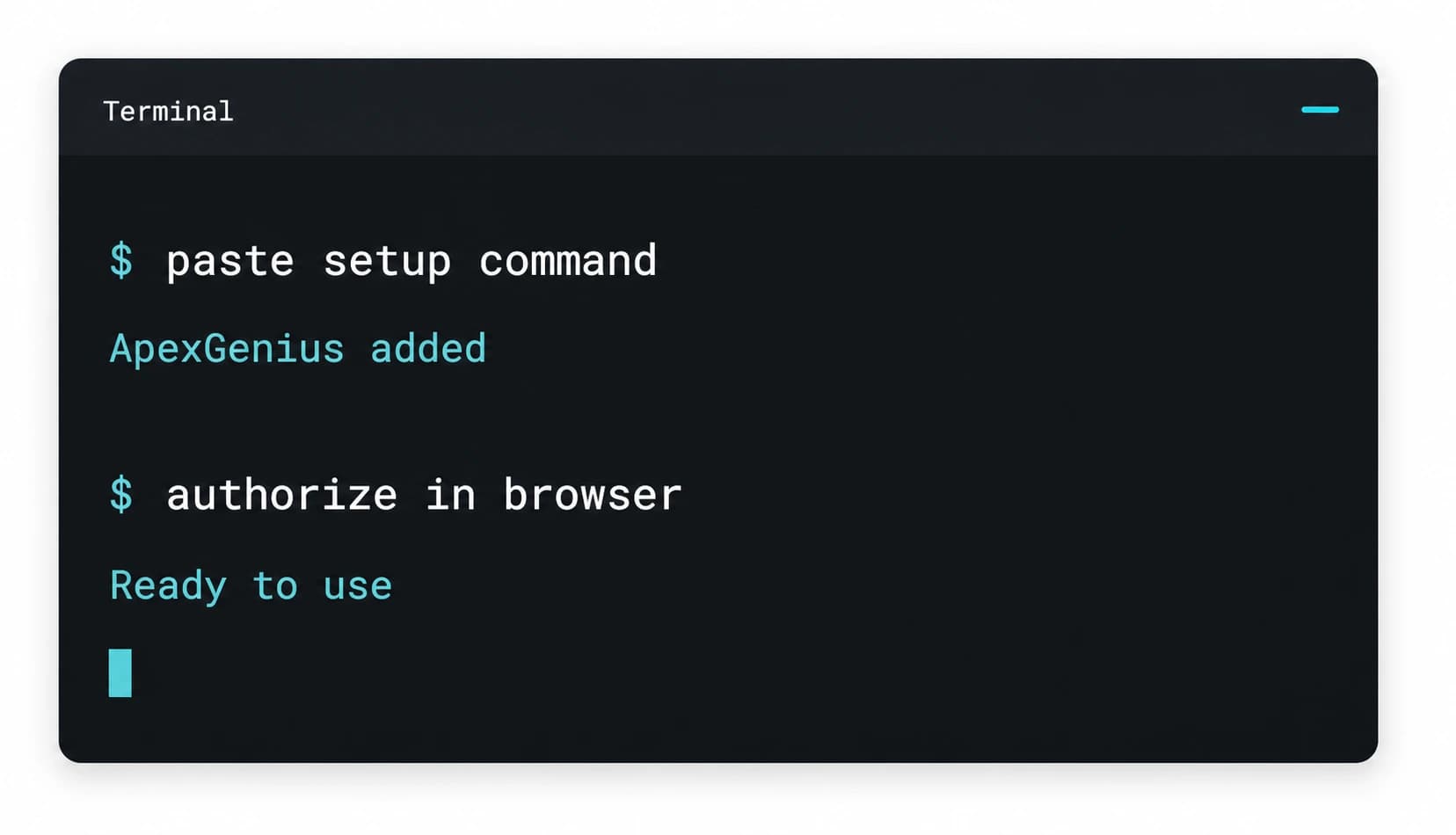
- Run the command. Claude Code prints an Added line.
- Start Claude Code, run
/mcp, choose apexgenius and follow the sign-in in your browser. From a shell,claude mcp login apexgeniusdoes the same. - Approve access on the ApexGenius page.
claude mcp add --transport http --scope user apexgenius https://server.autom8.pro/mcpCheck it. Run claude mcp list. Each server shows a status, such as Connected or Needs authentication. claude mcp get apexgenius shows the detail.
Steps follow Claude Code documentation, Connect Claude Code to tools via MCP (opens in a new tab), read November 12, 2026.
Then ask Claude Code
List the TypeSafe models available to my connection. Do not evaluate anything yet.
Written setup, step by stepShow
Before you start
- A TypeSafe account at console.typesafe.ai.
- An API key created in the TypeSafe console.
1. Connect TypeSafe to ApexGenius
- Open TypeSafe in Connections. Choose Connect or Add connection.
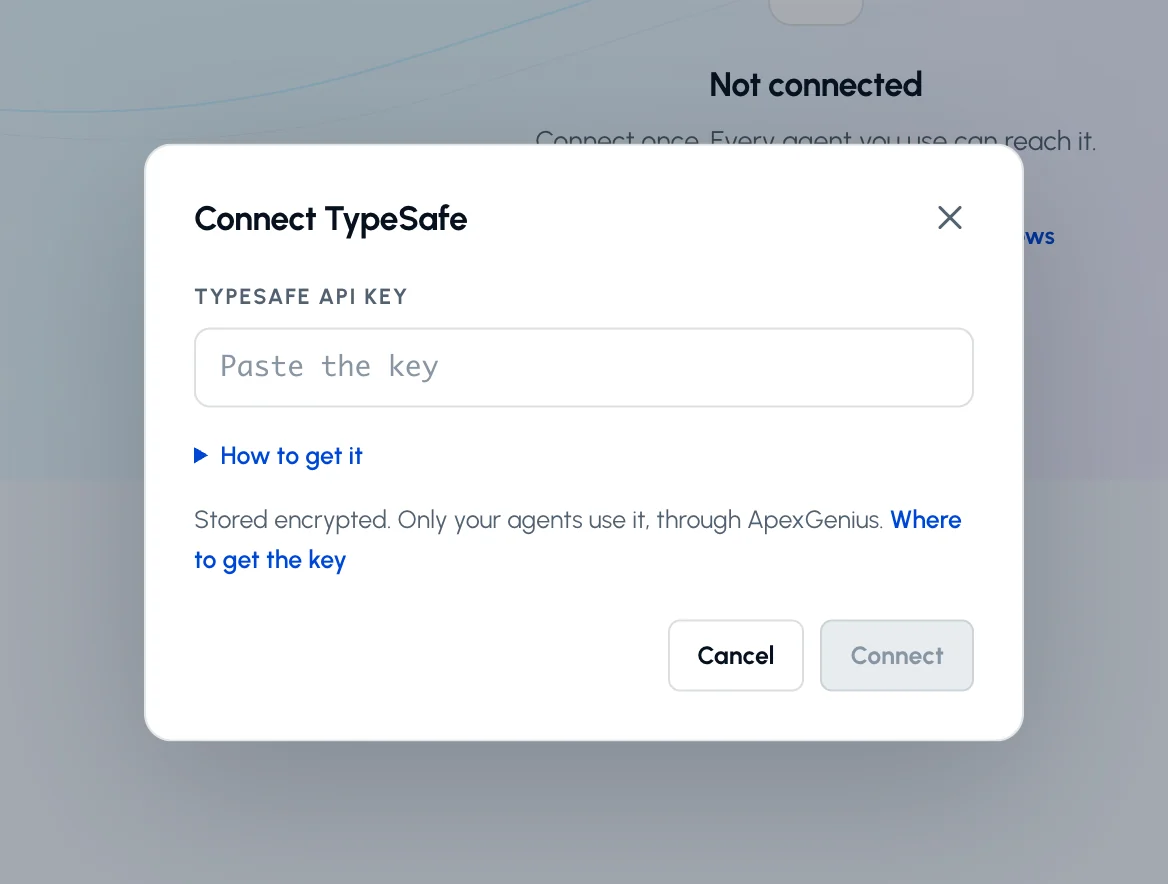
- Enter the API key. Paste the key from console.typesafe.ai. ApexGenius supplies the API address and checks the key against the model list.
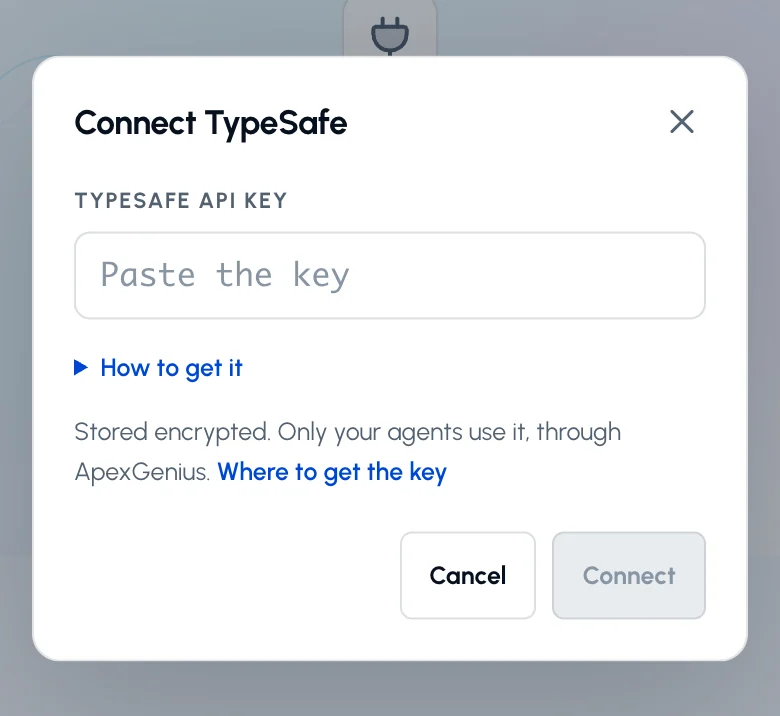
Paste the API key from console.typesafe.ai and choose Connect. ApexGenius checks it against the model list before saving.Open full-size image (opens in a new tab) - Check the saved connection. Save after validation succeeds. Review the Tools tab. Evaluations are reads that bill input tokens to your account.
2. Connect ApexGenius to Claude Code
Use this server address when adding the connection:
https://server.autom8.pro/mcpThe steps are above, under Add the ApexGenius MCP server to Claude Code. These notes apply to Claude Code only.
- Over SSH or without a browser.
claude mcp login apexgeniusprints the authorization URL when it finds no local browser. Open it on your own machine, then paste the full redirect URL from the address bar back at the prompt. Add--no-browserto force that. - Headless runs. A
claude -prun has no/mcppanel and cannot run the sign-in. Sign in once from an interactive session, or withclaude mcp login, first. - Signing out. Clear authentication in the
/mcpmenu, orclaude mcp logout apexgenius, removes the stored sign-in. - Access. When ApexGenius asks what Claude Code may use, choose Read only for the first test, or Custom to limit it to the tools you need.
3. Try your first question
List the TypeSafe models available to my connection. Do not evaluate anything yet.
List the TypeSafe models available to my connection. Do not evaluate anything yet.Confirm jev-latest appears in the list. Listing models bills nothing; evaluations bill input tokens.
Full guide: the TypeSafe setup guide.
What it looks like in Claude Code
apex_search_toolsTypeSafe models · Find the TypeSafe read routeCompleteapex_call_read_toollist_models · List the modelsCompleteThe key can use jev-latest, the default. Listing models bills nothing.
Read-only routeWhat to ask Claude Code about TypeSafe
- Check the models
List the TypeSafe models available to my connection. Do not evaluate anything yet.
Runs
list_models(read). - Search term negatives
Score these ten search terms for whether the searcher wants to hire a Salesforce consultant, and tell me which ones to add as negatives.
Runs
evaluate(read). - Qualify a lead
Is this inbound lead a fit for a Salesforce consulting engagement? Give me a yes or no with the probability.
Runs
evaluate(read).
These 3 questions use 2 of TypeSafe’s 2 operations. The full list is below.
- Rate each of these three headlines from weak to strong for a paid search ad, and pick the best one. (read)
What Claude Code can do in TypeSafe
2 operations: 2 read. Every operation looks things up and changes nothing, so Claude Code cannot change TypeSafe through ApexGenius.
Models
1 readlist_modelsreadList the Jev models your key can use. jev-latest is the default. Bills nothing.
Typed answers
1 readevaluatereadAsk yes/no, score or choice questions about a text or record and get typed answers with probabilities.
You choose the access. When you approve Claude Code, pick Full access, Read only, or Custom.
One connection covers one TypeSafe account and its API key.
Both operations are reads. Nothing at TypeSafe changes, so an AI agent set to Read only can use them.
Each evaluation bills input tokens to the connected TypeSafe account. Listing models bills nothing.
The key goes only to api.typesafe.ai, as a bearer token. ApexGenius encrypts it.
Questions about connecting Claude Code to TypeSafe
Updated November 12, 2026.
How do I connect Claude Code to TypeSafe?
Sign in to ApexGenius and connect TypeSafe. In Claude Code, run claude mcp add --transport http --scope user apexgenius https://server.autom8.pro/mcp, then run /mcp and sign in. Then ask Claude Code: “List the TypeSafe models available to my connection. Do not evaluate anything yet.” Start with a read, so nothing changes.
How do I check that Claude Code can use TypeSafe?
Run claude mcp list in your terminal. apexgenius should show Connected. If it shows Needs authentication, run /mcp inside Claude Code, or claude mcp login apexgenius in your shell, and finish the browser sign-in. Then ask: “List the TypeSafe models available to my connection. Do not evaluate anything yet.”
What does Jev return?
Typed answers, not text. A yes/no question returns a probability, a score returns a number with confidence, and a choice returns the pick with confidence and probabilities.
Does it cost anything?
Each evaluation bills input tokens to your TypeSafe account. Listing models bills nothing. ApexGenius does not add a TypeSafe charge.
Can my AI change anything at TypeSafe?
No. Both operations are reads. Evaluations compute and return answers, and nothing at TypeSafe changes.
What can I score with it?
Any text or record: search terms, ad copy, inbound leads or support tickets. Put the business definition inside the question so Jev knows who counts as a fit.
More connections like this one
Claude Code with other apps
 ChatGPT Ads
 Semrush
 Google Ads
 Google Analytics
 Blotato
 Bing Webmaster
 YouTube
All 50 apps Claude Code can use
 Google Search Console
 Supabase
 Mobbin
 Cal.com
 Slack
 Discord
 GitHub
 Stripe
 Context.dev
 Attio
 Notion
 Apify
 Linear
 Jira
 HQ Rental
 Google Forms
 Google Meet
 Google Tasks
 Gmail
 Google Calendar
 Google Chat
 Google Docs
 Google Drive
 Google Sheets
 Google Slides
 Apollo
 Calendly
 ClickUp
 monday.com
 Atlassian Rovo
 Polymarket
 OP.GG
 Salesforce
 n8n
 Confluence
 ElevenLabs
 FreshBooks
 Trello
 GitLab
 HubSpot
 Microsoft Outlook
- Outlook Calendar
 Claude
 Grok Bot
 Muse
Connect TypeSafe to Claude Code today
Start free1,000 free credits. No card required. Disconnect any time.