


Connect Claude Code to n8n
Connect Claude Code to n8n in 3 steps: 1. Sign in to ApexGenius and connect n8n. 2. Add the ApexGenius MCP server. 3. Start using n8n in Claude Code.
1,000 free credits · No card required
How to connect n8n to Claude Code
- 1Sign in to ApexGenius and connect n8n
- 2Add the ApexGenius MCP server to Claude Code
- 3Start using n8n in Claude Code
- 1
Connect n8n to ApexGenius
n8n connected
n8n shows as connected in ApexGenius, with what your AI can reach.
- 2
Connect ApexGenius to Claude Code
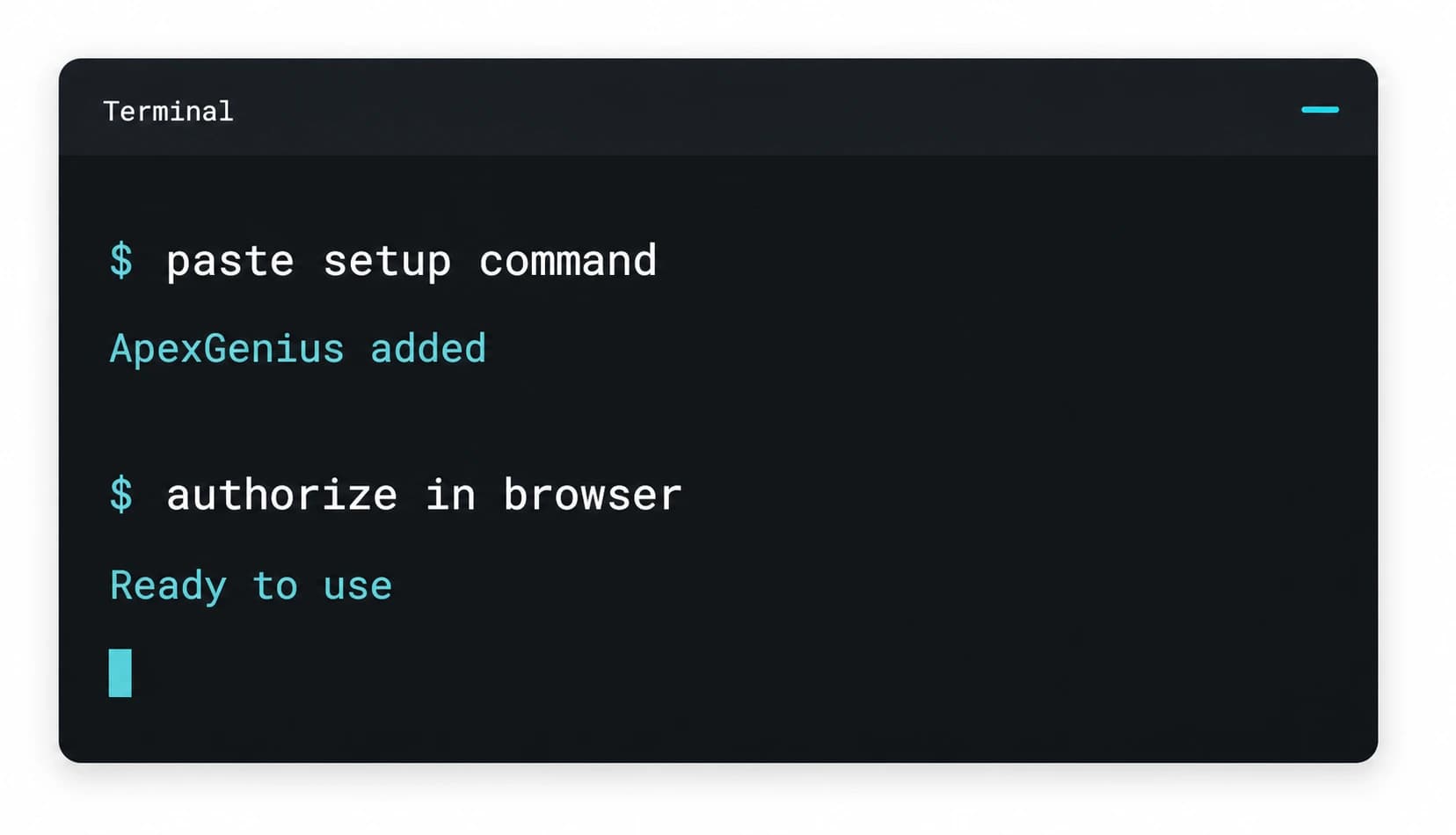
Copy the MCP address
On Start, pick API key, open Manual setup, and copy the MCP address.
- 3
Approve access
ApexGenius opens its approval page. Review the access, then approve.
Then ask Claude Code
List up to five n8n workflows. Do not run or change any workflow.
Written setup, step by stepShow
Before you start
- A reachable n8n instance and an API key for that instance.
1. Connect n8n to ApexGenius
- Open n8n in Connections. Sign in to ApexGenius, open Connections, choose n8n, and select Connect.
- Enter the instance credentials. Provide the n8n instance URL and API key in the connection form. Save the connection after validation succeeds.
- Check the available tools. Open the Tools tab and use the Read filter to review the available inspection tools before using workflow authoring or execution actions.
- Check the saved connection. Use Test connection and read the reported status before asking your AI to list workflows.
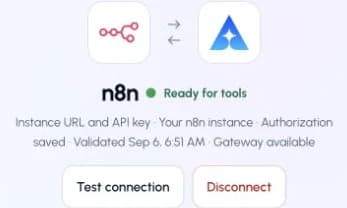
This captured n8n connection reports ready. Check your own connection and its latest validation before using tools.Open full-size image (opens in a new tab)
2. Connect ApexGenius to Claude Code
Use this server address when adding the connection:
https://server.autom8.pro/mcp- Run claude mcp add --transport http apexgenius followed by the MCP URL above.
- Open /mcp and choose ApexGenius.
- Approve ApexGenius in your browser.
- When ApexGenius asks what this AI client may use, choose Read only for the first test, or Custom to limit it to the tools you need.
- Start a new conversation and select ApexGenius from the available tools before asking for live data.
3. Verify one safe read
List up to five n8n workflows. Do not run or change any workflow.
List up to five n8n workflows. Do not run or change any workflow.Compare the workflow names and active status with the same n8n instance. A test execution can trigger downstream actions, so begin with a list request.
Full guide: the n8n setup guide.
What it looks like in Claude Code
Illustration of a task, not a recorded customer result. Your answers come from the account and dates you choose.
apex_search_toolsn8n workflows · Find the n8n read pathCompleteapex_call_read_tooln8n_list_workflows · List active workflowsCompleteapex_call_read_tooln8n_get_workflow · Read each triggerCompleteNine workflows are active. Four run on a schedule, five on webhooks. The newest is the lead intake workflow, changed two days ago. Nothing was changed.
Read-only routeTry asking
Audit my workflows for broken nodes and missing credentials.
Find a template for routing form submissions into Salesforce.
Show the last failed executions and explain the common cause.
Update the webhook node on the intake workflow.
What Claude Code can do in n8n
20 operations: 9 read, 11 write. Read looks things up and changes nothing. Writes change n8n and run only when you turn them on.
Workflows and executions
3 read · 1 writen8n_list_workflowsreadList minimal workflow metadata with cursor pagination.
n8n_get_workflowreadRead a workflow at minimal, details, structure, or full detail.
n8n_executionswriteGet, list, or delete workflow execution records.
n8n_audit_instancereadAudit the instance and workflows for security, credential, webhook, and retention risks.
Nodes and templates
5 readn8n_search_nodesreadSearch n8n nodes by keyword, with optional template examples.
n8n_get_nodereadRead node details, documentation, properties, versions, and migrations.
n8n_validate_nodereadValidate a node configuration in minimal or full mode.
n8n_search_templatesreadSearch workflow templates by keyword, nodes, task, metadata, or pattern.
n8n_get_templatereadRead a template as nodes only, structure, or a full workflow.
Build and validate
1 read · 3 writen8n_validate_workflowreadValidate workflow nodes, connections, and expressions by workflow ID.
n8n_create_workflowwriteCreate an inactive workflow from supplied nodes and connections.
n8n_generate_workflowwriteGenerate workflow proposals from a description and optionally deploy a confirmed proposal.
n8n_deploy_templatewriteDeploy a template from n8n.io and apply supported automatic fixes.
Change, run, and recover
7 writen8n_update_workflowwriteApply incremental operations to a live workflow.
n8n_replace_workflowwriteReplace a workflow with a complete nodes-and-connections definition.
n8n_autofix_workflowwritePreview or apply supported fixes for common workflow validation errors.
n8n_test_workflowwriteTrigger an eligible webhook, form, or chat workflow and its real downstream actions.
n8n_workflow_versionswriteList, read, restore, delete, prune, or truncate workflow version history.
n8n_manage_datatablewriteCreate, read, update, upsert, or delete n8n data tables and rows.
n8n_delete_workflowwritePermanently delete a workflow.
You choose the access. When you approve Claude Code, pick Full access, Read only, or Custom.
The connection belongs to the user and is not tied to a Salesforce connection.
Read, write, destructive, and open-world tool hints come from the current gateway catalog.
A test run can trigger real downstream actions such as email or third-party API calls.
Turn a tool off to block calls. Enabled tools run when called.
Questions about connecting Claude Code to n8n
Updated August 26, 2026.
How do I connect Claude Code to n8n?
Connect Claude Code to n8n through ApexGenius in three steps. Sign in to ApexGenius and connect n8n with your n8n instance URL and an API key. Add ApexGenius to Claude Code. Then open a task in Claude Code and ask a question about your n8n. Start with a read, so nothing changes.
Is there a n8n MCP server for Claude Code?
Yes. ApexGenius is an MCP server that Claude Code connects to once. It carries your n8n connection and 20 n8n operations, so Claude Code does not need a separate n8n integration or plugin. You set it up one time and add each agent the same way.
What can Claude Code do in n8n once it is connected?
Claude Code can run 20 n8n operations through ApexGenius: 9 reads that list workflows, inspect them and their nodes, search templates, and validate and audit the instance, and 11 writes that create, generate, deploy, update, run and delete workflows and manage execution records and data tables.
Can Claude Code read my n8n workflows?
Yes, on the n8n instance you connect with its URL and an API key. Self-hosted or cloud both work if the instance is reachable and the key is valid. The connected n8n account decides what Claude Code can reach. ApexGenius stores the credential, so it is not left in an agent config.
Can Claude Code change my n8n?
Not until you enable those tools. Read tools return workflow detail and change nothing. Tools that overwrite or remove are marked destructive and run when enabled. A test run can trigger real downstream actions such as email or API calls, so start with a list request.
Can I use the same n8n connection with Claude, ChatGPT, Grok Bot or Muse?
Yes. One n8n connection in ApexGenius works with every compatible agent you add, including Claude, ChatGPT, Grok Bot or Muse. Each agent gets its own access choice and its own short setup, so you can pick read only for one agent and more for another.
More connections like this one
Claude Code with other apps
 Apify
Apify Supabase
 Mobbin
 Cal.com
 Slack
Slack Discord
 ChatGPT Ads
 GitHub
All 44 apps Claude Code can use
 Stripe
 Context.dev
 Attio
Attio Semrush
 Notion
 Linear
 Jira
Jira HQ Rental
 Google Ads
 Google Analytics
 Google Forms
 Google Meet
 Google Tasks
 Gmail
Gmail Google Calendar
 Google Chat
 Google Docs
 Google Drive
 Google Sheets
 Google Slides
 Apollo
 Blotato
 Bing Webmaster
 Calendly
 ClickUp
 monday.com
 Atlassian Rovo
 Polymarket
 OP.GG
OP.GG YouTube
- YouTube Analytics
 Salesforce
 Confluence
 Google Search Console
 ElevenLabs
 FreshBooks
 Claude
 Grok Bot
 Muse
MuseConnect n8n to Claude Code today
Start free1,000 free credits. No card required. Disconnect any time.