Records and objects
list-objectsList the objects in the workspace, such as companies, people and deals.

Attio MCP connector
Attio OAuth · Available
Connect your Attio workspace once in ApexGenius, then search, read and update people, companies, deals, lists, notes and tasks from compatible AI agents. The Attio skill goes with the connection. Each AI agent needs its own ApexGenius setup.
7 days free · No card required
Attio
App connector
Bring your Attio workspace and the Attio skill to compatible AI agents. Search and read your CRM, then update it when you ask.
Reviewed Sep 23, 2026


Claude / ChatGPT
MCP client
ApexGenius route
Gateway context
Attio
Authorized session
Why the gateway is here
It keeps the Attio authorization, tools, and activity behind the same managed route you use for your other supported systems.
Ask it
These questions use the Attio tools below. Start with a read after connecting your channel or account.
Tools
The reviewed catalog contains these 41 Attio tools. Search by tool name, job, or access type.
Open the generated tool referenceRecords and objects
list-objectsList the objects in the workspace, such as companies, people and deals.
Records and objects
search-recordsFull-text search for records by name, email, domain or other indexed fields.
Records and objects
list-recordsList records in one object with filters and sorting.
Records and objects
get-records-by-idsRead full details for specific records by ID.
Records and objects
list-attribute-definitionsList the fields on an object, with their types and valid options.
Records and objects
create-recordCreate a person, company, deal or custom object record.
Records and objects
upsert-recordCreate or update a record that matches on a field such as email or domain.
Records and objects
update-recordUpdate an existing record by its ID.
Records and objects
merge-recordsMerge two records of the same object into one. The primary record wins. Cannot be undone here.
Lists and pipelines
list-listsList the lists in the workspace, filtered by name or slug.
Lists and pipelines
list-list-attribute-definitionsList the entry fields on one list, with their types and options.
Lists and pipelines
list-records-in-listList the entries in one list with filters and sorting, including their records.
Lists and pipelines
create-listCreate a list for records of one object type.
Lists and pipelines
add-record-to-listAdd a record to a list as a new entry.
Lists and pipelines
update-listChange a list's name, slug or permissions.
Lists and pipelines
update-list-entry-by-idUpdate a list entry when you know its entry ID.
Lists and pipelines
update-list-entry-by-record-idUpdate the one entry a record has in a list, found by the record ID.
Notes
search-notes-by-metadataFind notes by record, author, meeting or creation time.
Notes
semantic-search-notesFind notes by topic with AI search.
Notes
get-note-bodyRead the full text of one note.
Notes
create-noteCreate a note on a record.
Notes
update-noteAppend or prepend text to a note, or change its title.
Tasks
list-tasksList tasks with filters, such as incomplete tasks due this week.
Tasks
create-taskCreate a task with a deadline, assignee and linked record.
Tasks
update-taskChange a task's deadline, status, assignee or linked record.
Comments
list-commentsList comments on a record or list entry, with replies.
Comments
list-comment-repliesLoad more replies in one comment thread.
Comments
create-commentComment on a record or list entry, or reply in a thread.
Comments
delete-commentDelete a comment you created, with every reply under it.
Meetings and calls
search-meetingsFind past and upcoming meetings by people, records or time.
Meetings and calls
search-call-recordings-by-metadataFind call recordings by people, records, title or time.
Meetings and calls
semantic-search-call-recordingsFind call recordings by topic with AI search.
Meetings and calls
get-call-recordingRead one call recording with its transcript.
Emails
search-emails-by-metadataFind emails by people, domain or time.
Emails
semantic-search-emailsFind emails by topic with AI search.
Emails
get-email-contentRead the full body of one email.
Workspace
whoamiRead the connected user and their workspace access. Start here.
Workspace
list-workspace-membersList workspace members and their teams.
Workspace
list-workspace-teamsList the teams in the workspace.
Reports and SQL
run-basic-reportCount, sum or average records or list entries, grouped as you choose.
Reports and SQL
query-particle-sqlRun a read-only SQL query on workspace data. Not on every Attio plan.
Connection model
The Attio connection belongs to your signed-in account. Any Attio-native resources stay inside that provider.
Read connection details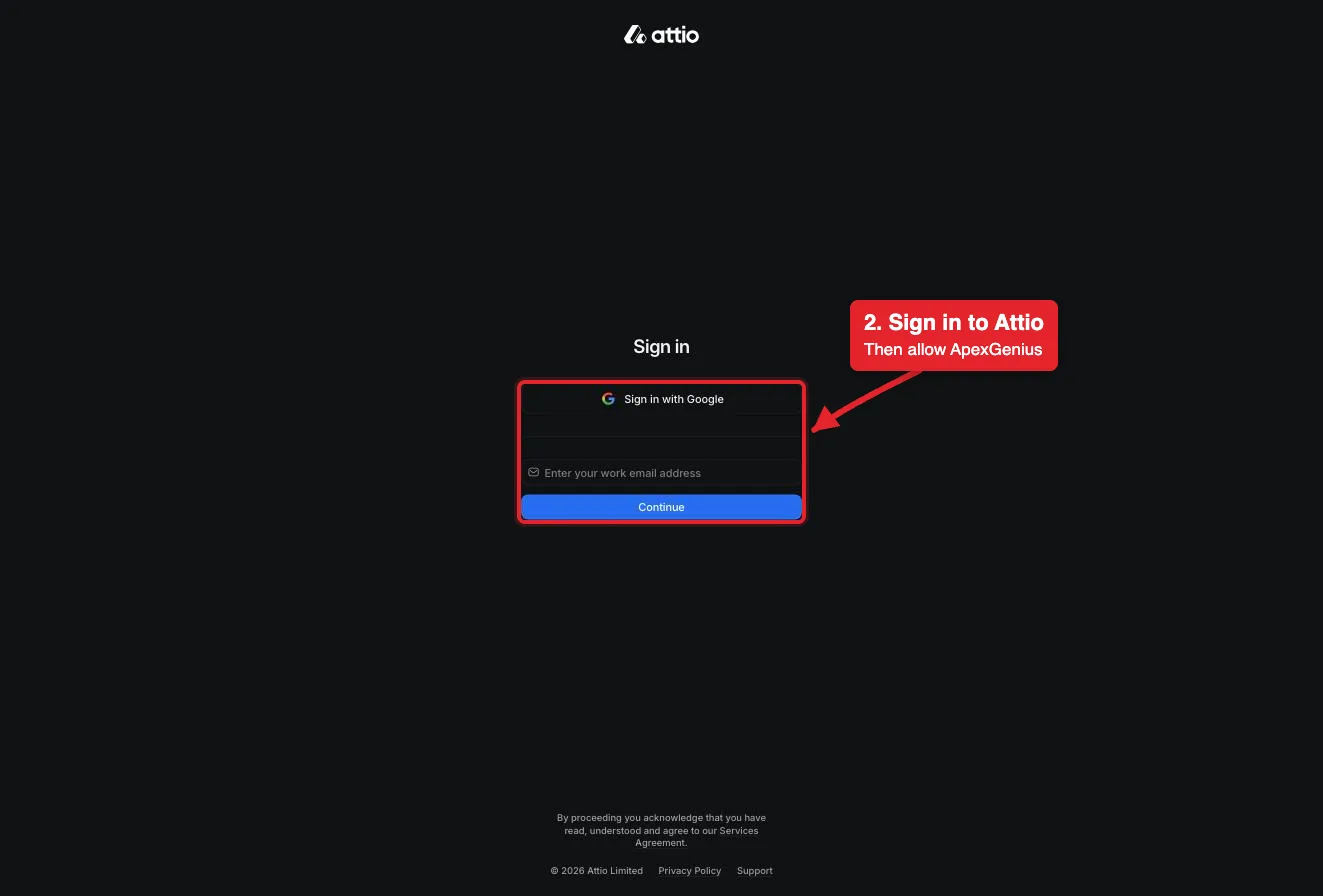
Each guide includes the AI setup and a first question for Attio.
Current governance
ApexGenius keeps the selected context and current tool surface visible, then records supported write activity for review.
Authorized context
The connection acts as the Attio user who signed in. Attio permissions set what it can reach; ApexGenius does not add a record-level allowlist.
Current tool surface
The read route checks Attio's live tool labels and rejects writes or unlabeled operations.
Reviewable activity
Writes run right away. If the owner set a tool to Ask me first (approval mode always), the call returns approval_required; a person approves it in ApexGenius and you retry with the returned approval_request_id.
Merges and deleted comments cannot be undone here, and there is no delete for records, lists, notes or tasks. Remove those by hand in Attio.
Why a gateway
Your AI starts with three ApexGenius gateway tools. It discovers the Attio operations available to its authorization when a task needs them, then runs the selected operation through the gateway.
Connect Attio to ApexGenius, then authorize each AI client to use the saved connection with its own tool permissions.
Give one client read-only and the write operations never appear in its tool list at all.
Which agent asked, what ran, and whether it succeeded, kept per connection for review.
Choose your AI client for setup steps and examples using Attio.
FAQ
More connectors
MCP-compatible AI agents


Codex starts in Plugins in the ChatGPT desktop app. ChatGPT Chat and Work also use Plugins, with personal setup where Developer Mode is permitted. Each AI client has its own guide and authorization requirements.
App connections



Salesforce keeps connection context. Other providers use your signed-in account.
Use the AI you already work in while ApexGenius keeps the app route visible.
Connect Attio7 days free · No card required
Compatibility does not imply partnership.
