Database
list_tablesLists the tables in the chosen schemas, with their columns.

Supabase MCP connector
Supabase OAuth · Available
Connect Claude, ChatGPT and other AI agents to Supabase over MCP: read tables, logs and advisors, run SQL and apply migrations in the one project you turn on.
Connect Supabase once in ApexGenius and turn on the one project your AI may use. Compatible AI agents can then read tables, schema, logs and advisors, run SQL, apply migrations, deploy Edge Functions and manage branches in that project, through Supabase's official hosted MCP. Each AI agent needs its own ApexGenius setup.
1,000 free credits · No card required
Supabase
App connector
Read tables, logs and advisors, run SQL and apply migrations in one Supabase project, from your AI.
Reviewed Oct 16, 2026


Claude / ChatGPT
MCP client
ApexGenius route
Gateway context
Supabase
Authorized session
Why the gateway is here
It keeps the Supabase authorization, tools, and activity behind the same managed route you use for your other supported systems.
Ask it
These questions use the Supabase tools below. Start with a read after connecting your channel or account.
Tools
The reviewed catalog contains these 20 Supabase tools. Search by tool name, job, or access type.
Open the generated tool referenceDatabase
list_tablesLists the tables in the chosen schemas, with their columns.
Database
list_extensionsLists the Postgres extensions in the database.
Database
list_migrationsLists the migrations applied to the database.
Database
execute_sqlRuns any SQL in the database, so it can change or delete rows. There is no undo.
Database
apply_migrationApplies a schema change and records it as a migration. Only another migration reverses it.
Logs and advisors
query_logsReads the project logs by service, such as the API, Postgres, Auth or Edge Functions.
Logs and advisors
get_advisorsReads the security and performance advice for the project.
Project details
get_project_urlReads the project's API URL.
Project details
get_publishable_keysReads the project's publishable keys, which are safe to ship in an app.
Project details
generate_typescript_typesGenerates TypeScript types from the database schema.
Edge Functions
list_edge_functionsLists the Edge Functions in the project.
Edge Functions
get_edge_functionReads the code of one Edge Function.
Edge Functions
deploy_edge_functionPublishes a new or changed Edge Function, which runs at once.
Branches
list_branchesLists the project's branches and their status.
Branches
create_branchStarts a branch with the project's migrations. Branches are billed by the hour.
Branches
rebase_branchBrings the project's newer migrations into a branch.
Branches
merge_branchApplies a branch's migrations and functions to the project.
Branches
reset_branchThrows away a branch's changes since a migration.
Branches
delete_branchDeletes a branch and everything in it.
Docs
search_docsSearches the Supabase documentation for an answer.
Connection model
The Supabase connection belongs to your signed-in account. Any Supabase-native resources stay inside that provider.
Read connection details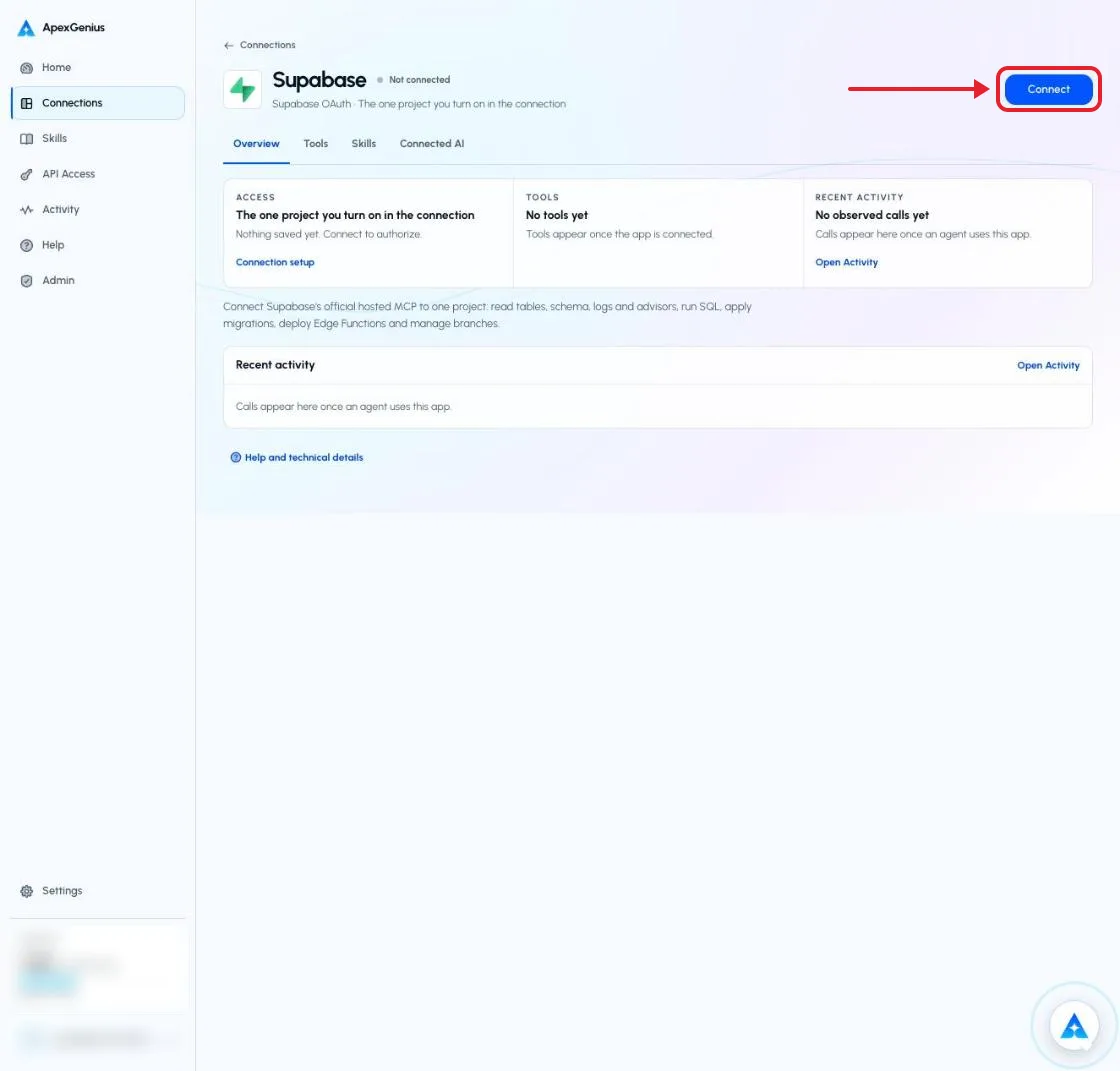
Each guide includes the AI setup and a first question for Supabase.
Current governance
ApexGenius keeps the selected context and current tool surface visible, then records supported write activity for review.
Authorized context
Supabase uses browser authorization: you pick the organization on Supabase's page and approve. No API key, access token or database password is pasted into ApexGenius.
Current tool surface
A connection reaches one project, the one you turn on. Turning one on turns the others off, and with none on, Supabase tools do nothing. Tools that list, create or pause projects are not exposed.
Reviewable activity
Writes run when called unless you set a tool to Ask me first. execute_sql, apply_migration, merge_branch, reset_branch and delete_branch can change or delete data with no undo, and create_branch is billed by the hour.
Why a gateway
Your AI starts with three ApexGenius gateway tools. It discovers the Supabase operations available to its authorization when a task needs them, then runs the selected operation through the gateway.
Connect Supabase to ApexGenius, then authorize each AI client to use the saved connection with its own tool permissions.
Give one client read-only and the write operations never appear in its tool list at all.
Which agent asked, what ran, and whether it succeeded, kept per connection for review.
Choose your AI client for setup steps and examples using Supabase.
FAQ
More connectors
MCP-compatible AI agents


Codex starts in Plugins in the ChatGPT desktop app. ChatGPT Chat and Work also use Plugins, with personal setup where Developer Mode is permitted. Each AI client has its own guide and authorization requirements.
App connections



Salesforce keeps connection context. Other providers use your signed-in account.
Use the AI you already work in while ApexGenius keeps the app route visible.
Connect Supabase1,000 free credits · No card required
Compatibility does not imply partnership.


