Search
search_screensIndividual mobile and web UI screens: a login screen, paywall, empty state, dialog, form or navigation treatment.

Mobbin MCP connector
Mobbin OAuth · Available
Connect Claude, ChatGPT and other AI agents to Mobbin over MCP: search real screens, user flows and website sections from shipped products for your design work.
Connect your paid Mobbin account once in ApexGenius, then search 600,000+ real mobile and web screens, multi-step user flows and website sections from compatible AI agents. Mobbin publishes reads only. Each AI agent needs its own ApexGenius setup.
7 days free · No card required
Mobbin
App connector
Search real screens, flows and website sections from shipped products while you design, from your AI.
Reviewed Oct 5, 2026


Claude / ChatGPT
MCP client
ApexGenius route
Gateway context
Mobbin
Authorized session
Why the gateway is here
It keeps the Mobbin authorization, tools, and activity behind the same managed route you use for your other supported systems.
Ask it
These questions use the Mobbin tools below. Start with a read after connecting your channel or account.
Tools
The reviewed catalog contains these 3 Mobbin tools. Search by tool name, job, or access type.
Open the generated tool referenceSearch
search_screensIndividual mobile and web UI screens: a login screen, paywall, empty state, dialog, form or navigation treatment.
Search
search_flowsOrdered, multi-step user flows: onboarding, checkout, account setup, identity verification, subscription, cancellation.
Search
search_sectionsWebsite sections: heroes, pricing sections, testimonials, navigation, footers.
Connection model
The Mobbin connection belongs to your signed-in account. Any Mobbin-native resources stay inside that provider.
Read connection details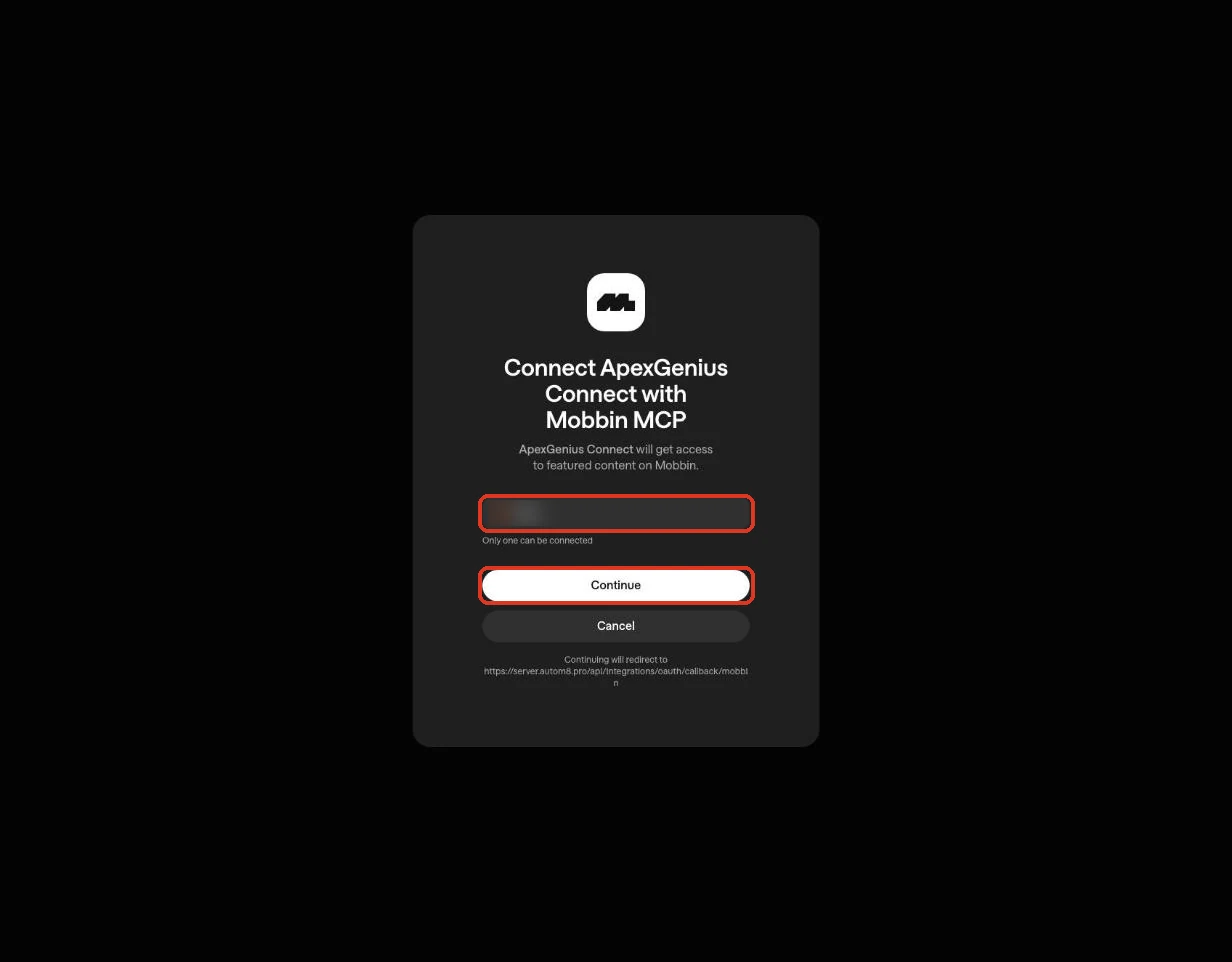
Each guide includes the AI setup and a first question for Mobbin.
Current governance
ApexGenius keeps the selected context and current tool surface visible, then records supported write activity for review.
Authorized context
Mobbin uses browser authorization; no API key is pasted into ApexGenius. A free Mobbin account cannot authorize: Pro, Team or Enterprise is required.
Current tool surface
Every documented Mobbin tool is a read. Nothing here changes Mobbin or any other system.
Reviewable activity
Mobbin allows 60 requests a minute per user. Results are references from shipped products, not assets to copy.
Why a gateway
Your AI starts with three ApexGenius gateway tools. It discovers the Mobbin operations available to its authorization when a task needs them, then runs the selected operation through the gateway.
Connect Mobbin to ApexGenius, then authorize each AI client to use the saved connection with its own tool permissions.
Give one client read-only and the write operations never appear in its tool list at all.
Which agent asked, what ran, and whether it succeeded, kept per connection for review.
Choose your AI client for setup steps and examples using Mobbin.
FAQ
More connectors
MCP-compatible AI agents


Codex starts in Plugins in the ChatGPT desktop app. ChatGPT Chat and Work also use Plugins, with personal setup where Developer Mode is permitted. Each AI client has its own guide and authorization requirements.
App connections



Salesforce keeps connection context. Other providers use your signed-in account.
Use the AI you already work in while ApexGenius keeps the app route visible.
Connect Mobbin7 days free · No card required
Compatibility does not imply partnership.


