




SEO MCP for Google Search Console, GA4 and Bing.
Connect them once, then ask Claude, ChatGPT or Grok Bot about clicks, impressions, traffic and indexing. Change AI without reconnecting your apps.
ClaudeChatGPT Grok Bot+ moreClaudeasks
 Claude CodeasksChatGPTasksCodexasksGrok Botasks
 ApexGeniusGoogle Search Console
3 client properties · Read and Write
- Ridgeline RoofingRead complete
- Marlow Consulting
- Loopwell Software
Google Analytics 43 GA4 properties · Read only
- Ridgeline Roofing
- Marlow Consulting
- Loopwell Software
Bing Webmaster Tools3 verified sites · Read and Write
- ridgeline-roofing.example
- marlow-consulting.example
- loopwell.example
HighLevel3 client locations · Read and Write
- Ridgeline Roofing
- Marlow Consulting
- Loopwell Software
ApexGenius connectedRidgeline Roofing
ridgeline-roofing.exampleapex_call_read_toolGoogle Search Consoleget_website_impressions, get_website_clickssc-domain:ridgeline-roofing.exampleWeb search · monthly clicks and impressionsruns google_search_console_queryDoneGoogle Analytics 4get_organic_sessionsRidgeline Roofing · WebOrganic Search · sessions for this websiteruns google_analytics_run_reportDoneBing Webmaster Toolsget_rank_and_traffic_statshttps://ridgeline-roofing.example/Verified site · monthly search clicksruns bing_webmaster_read_operationDoneHighLevelget_new_leads_by_monthRidgeline Roofing · Roof inspection requestClient location · new contacts tagged Organic Searchruns gohighlevel_call_read_toolDoneRidgeline Roofing: more search clicks, with more organic-form leads in August.
For ridgeline-roofing.example, Google recorded 71,200 impressions and 2,421 clicks in August 2026. That is +46% impressions and +60% clicks versus August 2025. Click-through rate was 3.4%, compared with 3.1% a year earlier.
July clicks fell 18% from June before recovering in August. The monthly totals do not explain the dip; inspect the pages and queries next.
2,160 organic sessionsGA4 · Ridgeline Roofing · Web1,360 in August 2025243 Bing clicksBing · ridgeline-roofing.example171 in August 202538 organic-form leadsHighLevel · Roof inspection request24 in August 2025Ridgeline Roofing in Google Search
August 2026 totals, with the full 12-month trend belowGoogle Search Console · August 2026Google Search Console · August 2026Google Search Console · August 2026Google Search Console · August 2026Illustrative sample data for Ridgeline Roofing, a fictional company. Each chart uses this website’s Google Search Console property. Sessions and form leads are separate measures, not matched individual visitors.
Want to inspect ridgeline-roofing.example/metal-roofing and the queries bringing visitors to it?
All of your marketing apps in one place
Explore your connected marketing apps and see what you can do with each one.Google Search Console
Each enabled property is its own resource. Sample property: ridgeline-roofing.example.
ReadWhat it can look at
- get_website_impressionsSee how often your website appears in Google search results.
- get_website_clicksSee how many visits came from clicks on your Google search results.
- get_top_queriesFind the searches that bring people to your website.
- get_top_pagesFind your best-performing pages in search results.
- inspect_urlCheck whether Google has indexed a page and see any reported issues.
- list_sitemapsSee the sitemaps submitted for your website.
- get_sitemap_statusCheck when Google last read a sitemap and whether it found errors.
- list_propertiesSee which Search Console websites your account can access.
- get_property_permissionsCheck your access level for a Search Console website.
WriteWhat it can change
- submit_sitemapSend Google a sitemap so it can discover your pages.
- add_propertyAdd a website to Search Console; ownership verification is still required.
- remove_property DestructiveRemove a website from your Search Console account after you confirm.
- delete_sitemap DestructiveRemove a submitted sitemap from Search Console after you confirm.
- call_search_console_endpoint DestructiveMake a custom Search Console request, with confirmation for destructive changes.
Destructive actions ask you to confirm the exact property or sitemap first. Recent days can be incomplete until Google finalizes them.
Google Analytics 4
Each enabled GA4 property is its own resource, under a separate Google authorization from Search Console.
ReadWhat it can look at
- get_organic_sessionsSee how many website sessions came from unpaid search results.
- get_page_sessionsCompare the number of sessions across your website pages.
- get_traffic_sourcesSee which channels and sources bring visitors to your website.
- get_realtime_visitorsSee current visitor activity in your GA4 property.
- list_ga4_propertiesFind the Google Analytics properties your account can access.
- get_property_settingsView a GA4 property’s configuration and settings.
- run_custom_reportBuild a read-only analytics report using the metrics and dimensions you choose.
WriteWhat it can change
No Write tools. GA4 in ApexGenius is Read only today.
Read only. No tool in the current catalog changes a GA4 property. Standard reports follow GA4's own processing time.
Bing Webmaster Tools
Connects with your Bing Webmaster API key and reaches only sites verified under it. Sample site: ridgeline-roofing.example.
ReadWhat it can look at
- get_verified_sitesSee the websites verified in your Bing Webmaster account.
- get_search_query_statsSee which Bing searches drive impressions and clicks.
- get_rank_and_traffic_statsTrack your website’s rankings, impressions, and clicks on Bing.
- get_top_pagesFind your best-performing pages in search results.
- get_page_queriesSee which Bing searches lead people to a particular page.
- get_crawl_issuesFind problems Bing encountered while crawling your website.
- get_backlinksSee links pointing to a page on your website.
- get_sitemapsView the sitemaps registered with Bing for your website.
- get_url_submission_quotaCheck how many more URLs you can submit to Bing today.
WriteWhat it can change
- submit_urlSend a page URL to Bing for discovery.
- submit_url_batchSubmit up to 500 page URLs to Bing, within your quota.
21 reviewed reads in total; the ones above are the most used. Submissions spend Bing's daily quota, so ApexGenius checks the quota before they run. No public API exists for Bing's AI Performance report.
HighLevel
Read and manage supported data in your connected HighLevel location.
ReadWhat it can look at
- search_location_toolsFind the actions available for your connected HighLevel location.
- get_new_leadsFind new leads by their source and the date they were added.
- get_contactsLook up contact records in your connected HighLevel location.
- get_pipeline_stagesSee the stages in your location’s sales pipelines.
- get_conversationsRead conversations in your connected HighLevel location.
WriteWhat it can change
- run_approved_actionUpdate records, send messages, or schedule activities.
The action list is HighLevel's live catalog for the location and the scopes you granted, so it can differ between locations.
Your next question starts here.
 View full screen ↗
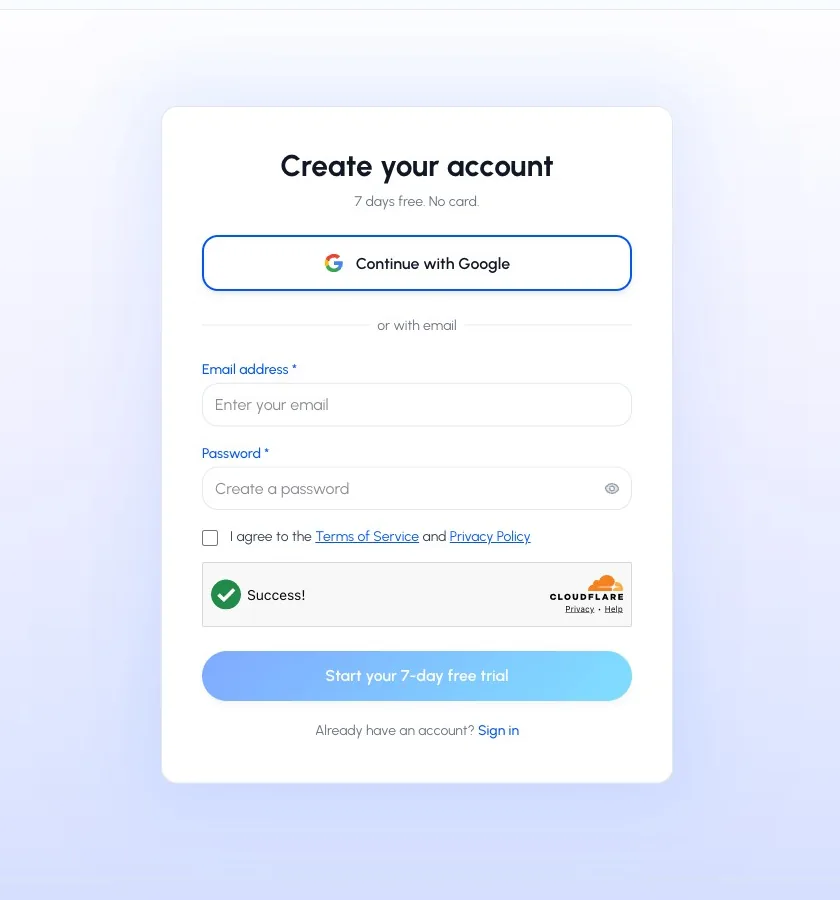
Continue with Google or your email to create your ApexGenius account.
Start free. Pay when you need more.
Start free with 1,000 credits. Subscribe for $25 per user each month for 20,000 credits a month. Salesforce calls are always free.
- Google Search Console
- Google Analytics
 Google Ads
- Bing Webmaster
- ChatGPT Ads
 YouTube Analytics
- YouTube
 HubSpot
 Apollo
 Google Sheets
 Google Drive
 Google Docs
 Google Slides
 Notion
 n8n
n8n Supabase
 Mobbin
 Cal.com
 Slack
Slack Polymarket
 OP.GG
OP.GG Salesforce
 Jira
Jira Confluence
 Atlassian Rovo
 HQ Rental
 Gmail
Gmail Google Calendar
 Google Chat
 Google People
 Google Tasks
 Google Forms
 Google Meet
 Calendly
 Upwork
 Attio
Attio Apify
Apify Linear
 ClickUp
 Blotato
 Superdesign
 Semrush
 Context.dev
 GitHub
 monday.com
 Discord
 Stripe
 ElevenLabs
 FreshBooks
 Trello
 GitLab
 TypeSafe
Keep it connected
20,000 credits every month. Subscribe any time.
each month
Everything in Free, plus
- 20,000 credits a month, reset monthly
- Supported AI clients can ask you to confirm writes
- Review supported gateway calls in Activity
- Per client: full access, read only, or custom
- Managed OAuth access refresh for supported connections
- Separate access for each AI client
- New connectors as they become Available
- Manage your paid plan from Billing
One credit is one successful call to a connected app. Salesforce calls, finding tools, skills and failed calls are free. Cancel any time from Billing.